Hero Summary
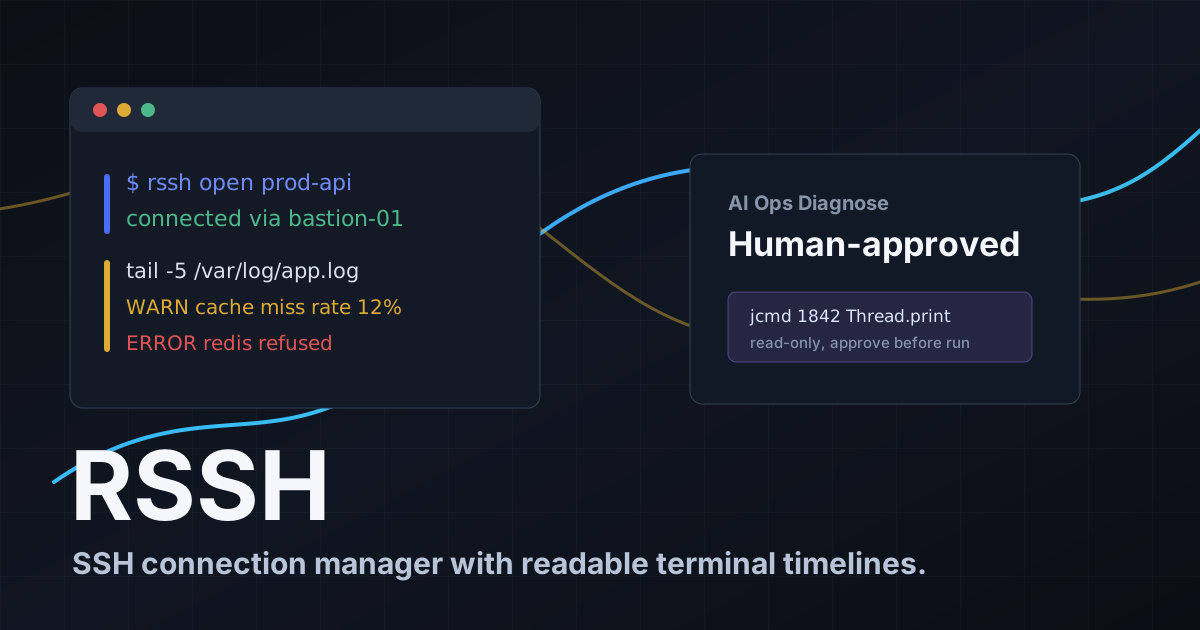
RSSH is an innovative SSH client designed to serve as an AI Ops Assistant, making remote system management easier and more intuitive. With its user-friendly interface and strong security features, it aims to enhance productivity for tech-savvy users.
Quick Verdict
RSSH is worth considering for developers and system administrators who need a reliable and secure SSH client. It is especially useful for those who want a smooth experience across different platforms without breaking the bank.
Best For / Not Recommended For
Best For
- Developers needing a straightforward SSH client.
- System administrators who value security and cross-platform functionality.
- Tech enthusiasts interested in emerging AI tools for operational tasks.
Not Recommended For
- Users looking for extensive third-party integrations.
- Those who prefer mature software with a long track record.
Key Specifications
| Specification | Details |
|---|---|
| API | REST API available |
| Integrations | Limited integrations currently |
| Platforms | Windows, macOS, Linux |
| Security Features | SSH Protocol, Encryption |
| Deployment | Cloud-based and local installations |
Pricing Snapshot
RSSH offers a free tier that includes basic SSH functionalities, suitable for casual users. The Pro version is available at no cost, providing advanced features that cater to power users.
Pros & Cons
Pros
- Cross-platform compatibility for diverse user needs.
- User-friendly interface that simplifies navigation.
- Strong security features to protect sensitive data.
Cons
- Limited integrations with other software tools.
- Still in early development, which might affect stability.
- Some features may be underutilized or not fully developed.
Community Sentiment
The launch of RSSH on Product Hunt received a positive reaction, with users appreciating its simplicity and functionality. However, some noted the need for more integrations and features as it continues to develop.
Benchmark References
Limited public benchmarks are available for RSSH, but initial user feedback indicates satisfactory performance for its intended tasks.
Comparison Table
| Competitor | Best At | Price | Free Tier |
|---|---|---|---|
| PuTTY | Basic SSH functionality | Free | Yes |
| Termius | Cross-device syncing | $8/month | Yes |
| SecureCRT | Advanced session management | $99.00 | No |
Use-Case Recommendations
Use This If..
- You need a simple and efficient SSH client for basic tasks.
- You prioritize security features in remote access tools.
- You want a tool that works on multiple platforms without hassle.
Use Something Else If..
- You require extensive third-party integrations for your workflows.
- You are looking for a fully mature product with a wide range of features.
Reliability & Durability Insight
RSSH is built with reliability in mind, featuring strong security protocols. However, as a product in early development, users may experience occasional bugs and performance inconsistencies.
Common Complaints
- Lack of integrations with popular dev tools.
- Some users report issues with connectivity on specific platforms.
- Feature set may feel limited compared to competitors.
Price-to-Value Analysis
With a free tier and a no-cost Pro version, RSSH provides excellent value, especially for users who need basic SSH functionalities. Compared to alternatives, it offers a competitive edge for users who prioritize simplicity and security.
Alternatives
- PuTTY, Ideal for users who want a traditional SSH client experience.
- Termius, Better for users needing advanced features and syncing across devices.
- SecureCRT, Recommended for businesses requiring solid session management.
Frequently Asked Questions
What platforms does RSSH support?
RSSH is compatible with Windows, macOS, and Linux.
Is there a free version of RSSH?
Yes, RSSH offers a free tier with basic functionalities.
How secure is RSSH?
RSSH employs SSH protocols and encryption to ensure secure connections.
Can I integrate RSSH with other tools?
Currently, RSSH has limited integrations with other software tools.
Source Transparency
This review is based on data from Product Hunt (6 upvotes), public documentation, and category analysis. The review is not sponsored.
Confidence Level
Confidence: Medium, The product is in early development, which introduces some uncertainty about its long-term capabilities and stability.
Wait or Buy?
Try free, Given the free tier, users should explore RSSH without commitment to see if it meets their needs before considering a switch from established competitors.
Last Verified
Information verified: May 2025. Check rssh.ofcoder.com for current details.
Editorial Integrity
This is an independent editorial review. RSSH had no editorial approval over the content.