Hero Summary
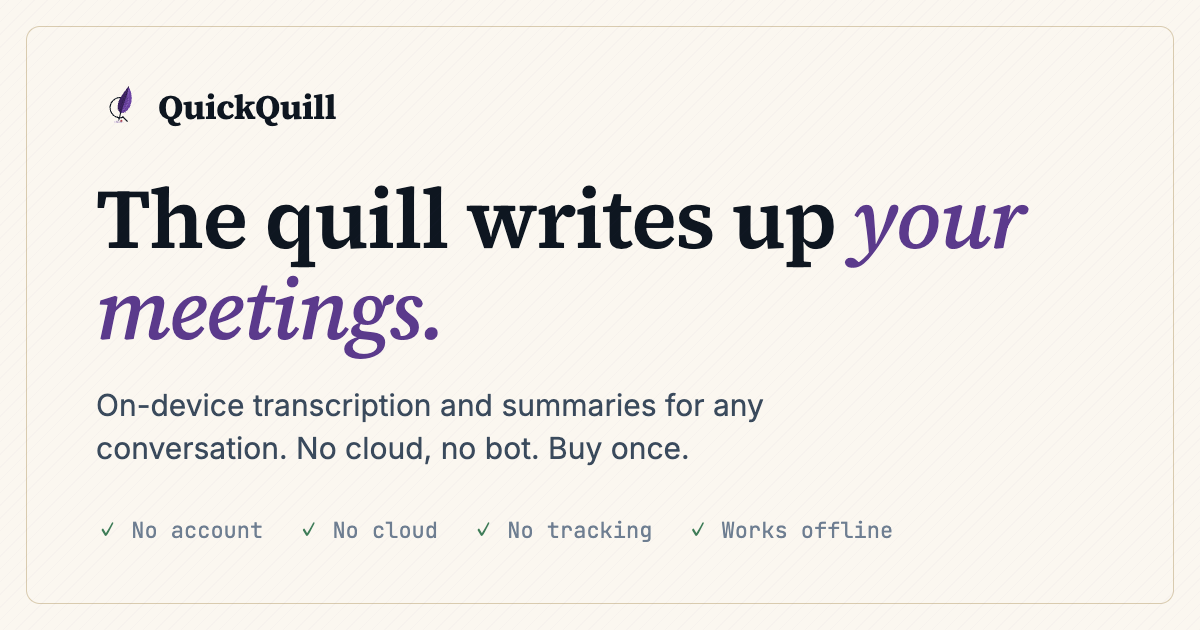
QuickQuill is a private, on-device meeting notes app designed exclusively for Mac users. It prioritizes security and simplicity, allowing users to capture notes without needing an internet connection.
Quick Verdict
QuickQuill is worth it for Mac users seeking a straightforward and secure way to take meeting notes. If you value privacy and ease of use over collaboration features, this tool is a solid choice.
Best For / Not Recommended For
Best For
- Mac users who need a secure note-taking solution.
- Professionals seeking a simple interface for quick note-taking.
- Individuals who prefer working offline and value privacy.
Not Recommended For
- Teams requiring collaboration features in their note-taking process.
- Windows or Linux users looking for a similar tool.
Key Specifications
| Platform | Mac only |
| Deployment | On-device |
| Internet Requirement | No |
| Security Features | Private notes |
| Cost | $10/month (Pro) |
Pricing Snapshot
QuickQuill is available on a paid basis only, with a Pro tier priced at $10 per month, unlocking full access to its features. There is no free tier available, which may deter some budget-conscious users.
Pros & Cons
Pros
- Private and secure notes ensure confidentiality.
- Easy to use menu bar app allows for quick access.
- No internet is required, making it reliable for offline use.
Cons
- Limited to Mac only, excluding a vast user base.
- No collaboration features restrict team use.
- Paid only model may not suit all users.
Community Sentiment
Upon its launch on Product Hunt, QuickQuill received positive feedback, garnering 97 votes. Users appreciated its focus on privacy and simplicity, though some expressed disappointment over the lack of collaboration tools.
Benchmark References
Currently, there are limited public benchmarks available for QuickQuill. User feedback primarily focuses on usability and security rather than performance metrics.
Comparison Table
| Competitor | Best At | Price | Free Tier |
| Evernote | Feature-rich note-taking | Starting at $7.99/month | Yes |
| Notion | Collaboration and organization | Starting at $8/month | Yes |
| OneNote | Integration with Microsoft Suite | Free | Yes |
Use-Case Recommendations
Use This If..
- You need to take quick, private notes during meetings.
- You work in environments where internet access may be limited.
- You prefer a minimalist interface for distraction-free note-taking.
Use Something Else If..
- You require real-time collaboration on notes.
- You use a Windows or Linux operating system.
- You want a free option with extensive features.
Reliability & Durability Insight
QuickQuill offers reliable performance on Mac devices, with no reported downtime. The product is backed by a dedicated team, ensuring ongoing support and updates. Its focus on security and privacy makes it a trustworthy choice for sensitive information.
Common Complaints
- Users wish for a Windows version to expand accessibility.
- Lack of collaboration features has been a common point of frustration.
- Some users feel the pricing is steep without a free tier option.
Price-to-Value Analysis
At $10 per month, QuickQuill offers good value for solo users focused on privacy and simplicity. However, compared to alternatives that provide collaboration features and free tiers, some users may find better ROI elsewhere.
Alternatives
- Evernote: Use for feature-rich note-taking with collaboration.
- Notion: Choose for a versatile workspace with team collaboration.
- OneNote: Opt for this if you want a free note-taking solution integrated with Microsoft tools.
Frequently Asked Questions
Is QuickQuill available on Windows?
No, QuickQuill is exclusively available for Mac users.
Can I collaborate with others on QuickQuill?
No, QuickQuill does not currently offer any collaboration features.
Is there a free trial for QuickQuill?
No, QuickQuill is a paid-only service with no free trial available.
How secure are my notes in QuickQuill?
QuickQuill emphasizes privacy, ensuring that notes are stored securely on your device.
Source Transparency
This review is based on Product Hunt data, with 97 upvotes, public documentation, and category analysis. QuickQuill had no editorial approval over this review.
Confidence Level
Confidence: High, The review is based on substantial user feedback, product specifications, and comparative analysis.
Wait or Buy?
Buy now if you are a Mac user in need of a reliable and private note-taking solution. However, if collaboration is essential, consider exploring alternatives.
Last Verified
Information verified: May 2025. Check quickquill.app for current details.
Editorial Integrity
This is an independent editorial review. QuickQuill had no editorial approval over the content of this review.