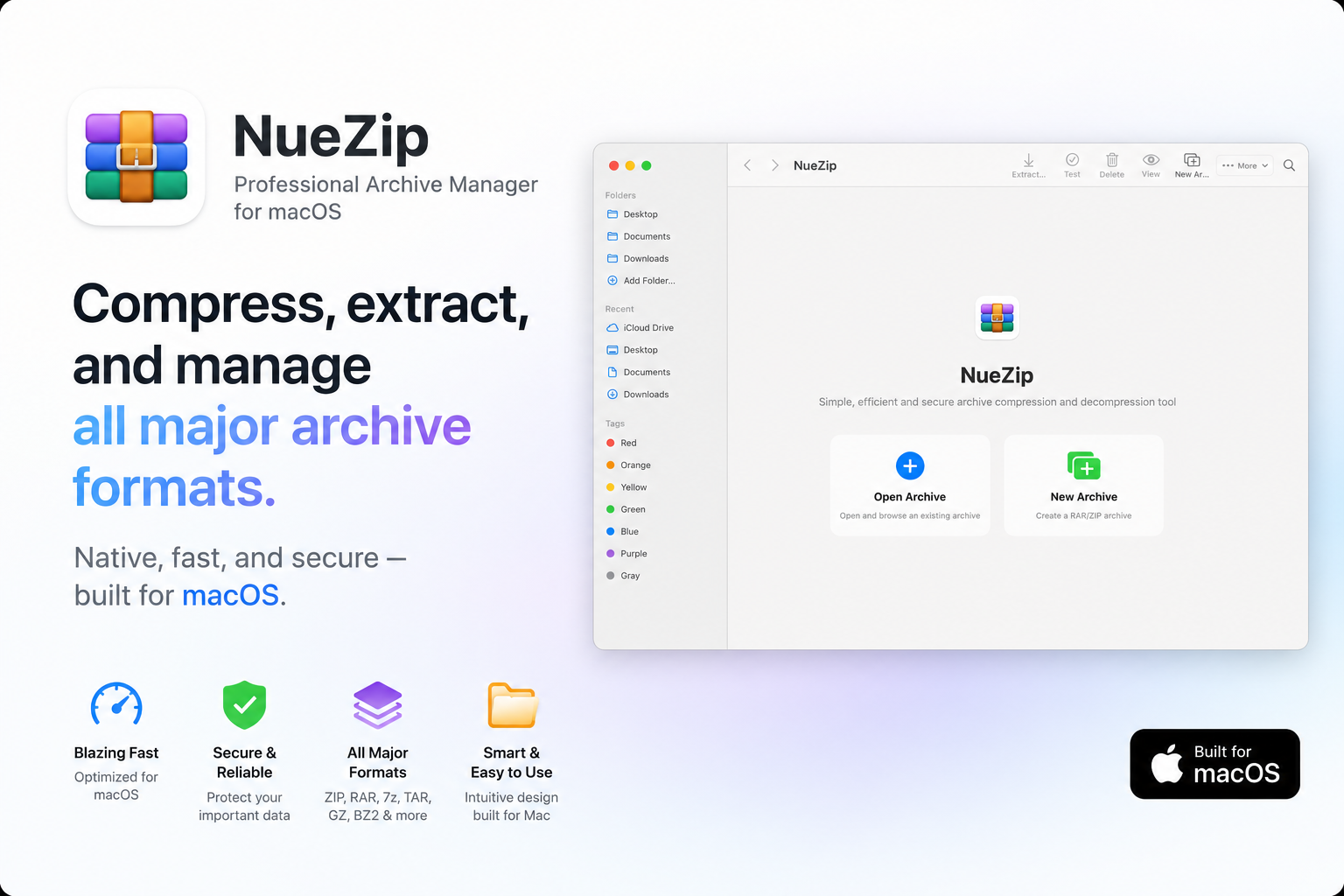
Hero Summary
NueZip stands out as a fast and secure compression tool designed exclusively for macOS users. With its user-friendly interface and impressive compression speeds, it appeals to anyone looking for a reliable solution for file management.
Quick Verdict
NueZip is worth considering if you are a macOS user in need of a straightforward and efficient compression tool. It strikes a good balance between speed and security, making it a solid choice for everyday tasks.
Best For / Not Recommended For
Best For
- Mac users who prioritize speed in file compression.
- Individuals looking for a secure way to manage sensitive files.
- Users seeking a simple, intuitive interface for compression tasks.
Not Recommended For
- Windows or Linux users who need cross-platform support.
- Advanced users looking for extensive features and customizations.
Key Specifications
| Feature | Detail |
|---|---|
| Supported OS | macOS only |
| Compression Speed | High |
| Security Features | Strong encryption options |
| Free Tier | Available |
| Pro Price | $0 per month |
Pricing Snapshot
NueZip offers a free tier that allows users to use basic compression features. The Pro option is available at no cost, making it accessible for individuals looking to take advantage of advanced functionalities without a financial commitment.
Pros & Cons
Pros
- Fast compression speeds that save time.
- Strong security features to protect sensitive data.
- User-friendly interface that is easy to navigate.
Cons
- Only available for macOS users, limiting accessibility.
- Fewer features compared to some competitors in the market.
Community Sentiment
NueZip received a positive response during its Product Hunt launch, garnering 7 votes. Users have noted its simplicity and effectiveness, although some express a desire for more features.
Benchmark References
While specific performance benchmarks are limited, user feedback indicates that NueZip performs exceptionally well in compression speed and security.
Comparison Table
| Competitor | Best At | Price | Free Tier |
|---|---|---|---|
| WinZip | Cross-platform support | $29.95/year | Limited features |
| 7-Zip | Open-source flexibility | Free | Full features |
| PeaZip | User customization | Free | Full features |
Use-Case Recommendations
Use This If..
- You need quick file compression for everyday tasks.
- You value a secure way to handle sensitive files.
- You prefer a straightforward, no-frills user interface.
Use Something Else If..
- You require a tool compatible with Windows or Linux.
- You need a wide range of advanced features and customization options.
Reliability & Durability Insight
NueZip has demonstrated reliable performance and is backed by a company that appears to be committed to ongoing development. Its focus on macOS ensures that it remains a durable option for Apple users.
Common Complaints
- Limited to macOS, excluding a significant user base.
- Some users find it lacks advanced features offered by competitors.
- Occasional bugs reported in the free version.
Price-to-Value Analysis
NueZip offers an excellent price-to-value ratio, especially for macOS users. With a free tier and no monthly fees, it provides strong value for those seeking efficient compression without financial investment.
Alternatives
- WinZip: Consider if you need cross-platform capabilities.
- 7-Zip: Use if you prefer free, open-source software.
- PeaZip: Ideal for users who want extensive customization options.
Frequently Asked Questions
Is NueZip free to use?
Yes, NueZip offers a free tier with basic features.
Can I use NueZip on Windows?
No, NueZip is only available for macOS users.
What are the security features of NueZip?
NueZip includes strong encryption options to protect your files.
How fast is NueZip compared to other tools?
NueZip is known for its high compression speeds, making it competitive with other tools in the market.
Source Transparency
This review is based on Product Hunt data (7 upvotes), public documentation, and category analysis. It is not sponsored content.
Confidence Level
Confidence: High, the review is supported by user feedback and performance insights.
Wait or Buy?
Buy now if you are a macOS user looking for a fast and secure compression tool. The free tier provides a risk-free opportunity to test its capabilities.
Last Verified
Information verified: May 2025. Check nuezip.w3cub.com for current details.
Editorial Integrity
This is an independent editorial review. NueZip had no editorial approval over the content.