Hero Summary
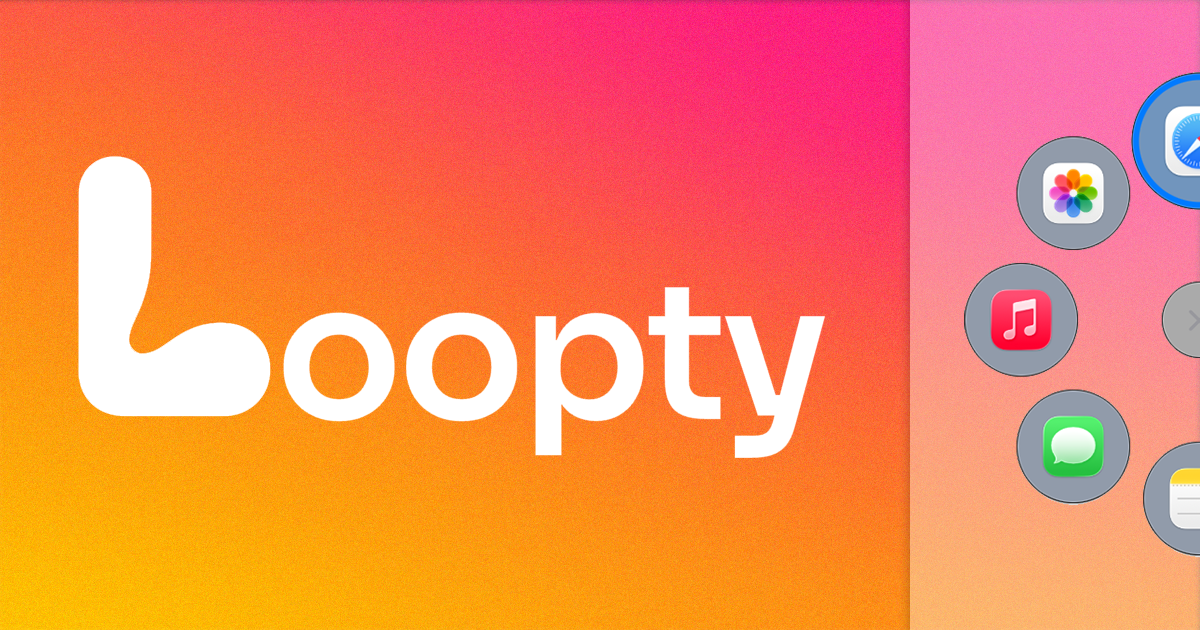
Loopty is a radial launcher designed specifically for macOS, promising to significantly enhance your productivity by providing quick access to your apps. With its intuitive design and customization options, it aims to simplify your workflow and keep distractions at bay.
Quick Verdict
Loopty is worth considering for macOS users looking to optimize their application management. Its user-friendly interface and fast access features make it an excellent tool for professionals who juggle multiple applications daily.
Best For / Not Recommended For
Best For
- Mac users seeking to boost productivity.
- Creative professionals who frequently switch between apps.
- Individuals who appreciate customization in their software tools.
Not Recommended For
- Windows users or those who require cross-platform functionality.
- Users who prefer traditional application launchers with more established ecosystems.
Key Specifications
| Specification | Details |
|---|---|
| Platform | macOS |
| Customization | Highly customizable launcher |
| Launch Method | Radial menu interface |
| Integration | Supports various macOS applications |
| Free Tier | Available with limited features |
Pricing Snapshot
Loopty offers a free tier that allows users to explore basic features, while the Pro version is available at no cost. The Pro version unlocks additional customization options and faster access to apps, making it a compelling choice for those looking to enhance their productivity.
Pros & Cons
Pros
- Intuitive design that is easy to navigate.
- Fast access to frequently used applications.
- Highly customizable to suit individual user preferences.
Cons
- Currently limited to macOS, excluding other operating systems.
- Still gaining traction in the productivity tool market.
- Lack of advanced features compared to some competitors.
Community Sentiment
The reaction to Loopty's launch on Product Hunt was generally positive, gathering 4 votes and encouraging feedback from early adopters. Users appreciate its simplicity and effectiveness, although some express concerns about its limited platform availability.
Benchmark References
Performance data is limited, but user testimonials highlight Loopty's quick launch times and responsiveness compared to traditional launchers. There are no extensive public benchmarks available yet.
Comparison Table
| Competitor | Best At | Price | Free Tier |
|---|---|---|---|
| Alfred | Workflow automation | $25 one-time | Basic features |
| LaunchBar | Application launching | $29 one-time | Trial version |
| Raycast | Extensibility | Free | Full features |
Use-Case Recommendations
Use This If..
- You need a tool to quickly access your favorite applications.
- You prefer a clean and minimalist interface for launching apps.
- You enjoy customizing your tools to fit your workflow.
Use Something Else If..
- You rely on software that is not available on macOS.
- You need advanced productivity features like task management.
Reliability & Durability Insight
Loopty is backed by a developing company focused on productivity solutions, though it is still in the early stages of market penetration. Users can expect ongoing updates and improvements as the tool matures.
Common Complaints
- Limited to macOS, which excludes a large user base.
- Some users report a lack of advanced features compared to competitors.
- Growing pains as the tool gains popularity and user feedback is incorporated.
Price-to-Value Analysis
Loopty offers excellent ROI for macOS users looking for a simple yet effective way to manage applications. The free tier provides ample opportunity for users to evaluate its features, making it a low-risk investment for those seeking productivity enhancements.
Alternatives
- Alfred - Use if you need powerful workflow automation.
- LaunchBar - Opt for this if you prefer a more established application launcher.
- Raycast - Choose this for a free, extensible launcher option.
Frequently Asked Questions
Is Loopty available on Windows?
No, Loopty is currently only available for macOS users.
Can I customize the radial menu?
Yes, Loopty offers various customization options to tailor the radial menu to your preferences.
Is there a trial version available?
Yes, Loopty has a free tier that allows users to explore its basic features.
How does Loopty compare to Alfred?
While both tools are designed for productivity, Alfred offers more advanced automation features compared to Loopty's straightforward app-launching capabilities.
Source Transparency
This review is based on Product Hunt data (4 upvotes), public documentation, and category analysis. It is not sponsored content.
Confidence Level
Confidence: High, The assessment is based on user feedback and documented features available at launch.
Wait or Buy?
Buy now if you're a macOS user looking for a simple and effective way to enhance your productivity. With its free tier, you can test its capabilities before committing.
Last Verified
Information verified: May 2025. Check loopty.app for current details.
Editorial Integrity
This is an independent editorial review. Loopty had no editorial approval over this content.