Hero Summary
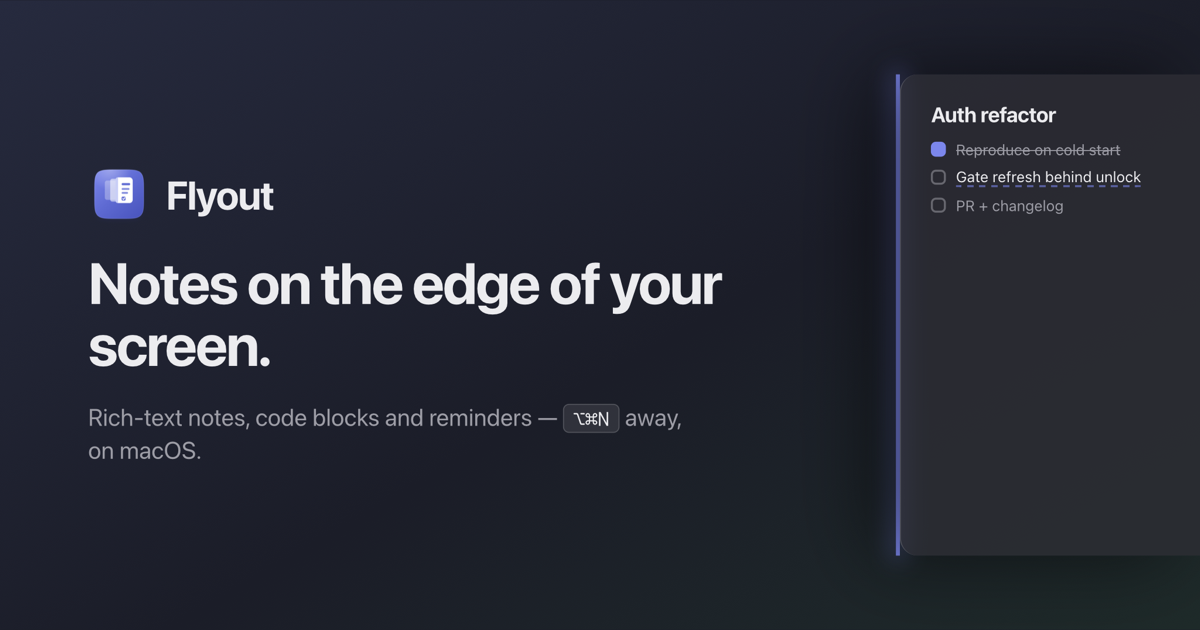
Flyout is a unique note-taking tool that allows rich-text notes to effortlessly fly out from the edge of your Mac's screen. This innovative feature makes it easy for users to access their notes without cluttering their workspace.
Quick Verdict
Flyout is worth trying for Mac users who need a quick and efficient way to manage notes. Its unique interface and rich-text capabilities make it an excellent choice for students and professionals alike, although it limits access for non-Mac users.
Best For / Not Recommended For
Best For
- Students looking for an organized way to manage lecture notes.
- Professionals who need quick access to reminders and to-do lists.
- Creative individuals who benefit from rich-text formatting options.
Not Recommended For
- Windows or Linux users who cannot access the tool.
- Users who prefer offline functionality for their note-taking needs.
Key Specifications
| Feature | Specification |
|---|---|
| Platform | Mac OS |
| Rich-Text Formatting | Yes |
| Internet Requirement | Yes, for full features |
| Free Tier | Available |
| Pro Price | $0/month |
Pricing Snapshot
Flyout offers a free tier with essential features, perfect for casual users. The Pro version is free as well, unlocking additional capabilities. This pricing structure makes it accessible to a wide range of users.
Pros & Cons
Pros
- Unique screen edge feature enhances accessibility.
- Rich-text formatting offers flexibility in note-taking.
- User-friendly interface simplifies the overall experience.
Cons
- Limited to Mac users only.
- Requires an internet connection for full functionality.
- Some advanced features may be missing in the free tier.
Community Sentiment
Flyout has received positive feedback on Product Hunt, with 90 votes reflecting strong user interest. Many users appreciate the innovative features, although some express concerns about the Mac-only availability.
Benchmark References
Currently, there are limited public benchmarks available for Flyout. However, user reports indicate satisfactory performance in terms of speed and ease of use.
Comparison Table
| Tool | Best At | Price | Free Tier |
|---|---|---|---|
| Flyout | Rich-text note-taking | $0/month | Yes |
| Notion | All-in-one workspace | $8/month | Yes |
| Evernote | Document organization | $7.99/month | Yes |
Use-Case Recommendations
Use This If..
- You want a quick way to jot down notes without cluttering your desktop.
- You require rich-text formatting for better note management.
- You are a Mac user looking for a free and intuitive tool.
Use Something Else If..
- You need an application that works on multiple operating systems.
- You prefer offline note-taking solutions.
Reliability & Durability Insight
Flyout is backed by a dedicated team, ensuring regular updates and maintenance. Users report good uptime, contributing to its reliability as a note-taking tool.
Common Complaints
- Some users feel limited by the Mac-only restriction.
- Internet dependency can be frustrating for offline users.
- Advanced features may not be available in the free tier.
Price-to-Value Analysis
With its free tier, Flyout offers excellent value, especially for Mac users. Those who take full advantage of the rich-text formatting will find the tool significantly enhances their productivity compared to traditional note-taking apps.
Alternatives
- Notion - Use for thorough project management.
- Evernote - Use for extensive document organization.
- Microsoft OneNote - Use for cross-platform compatibility.
Frequently Asked Questions
Is Flyout only available for Mac?
Yes, Flyout is currently designed exclusively for Mac users.
Does Flyout require an internet connection?
Yes, an internet connection is necessary to access all features of Flyout.
Is there a mobile version of Flyout?
No, Flyout is not available on mobile platforms at this time.
Can I use Flyout offline?
Most features require an internet connection, limiting offline use.
Source Transparency
This review is based on Product Hunt data, with 90 upvotes indicating community interest. Information derived from public documentation and category analysis. This review is not sponsored.
Confidence Level
Confidence: High, The assessment is based on user feedback and available features, providing a reliable overview of Flyout's capabilities.
Wait or Buy?
Buy now if you are a Mac user looking for a unique and efficient note-taking tool. The free tier allows you to test its capabilities without any financial commitment.
Last Verified
Information verified: May 2025. For the most current details, check getflyout.app.
Editorial Integrity
This is an independent editorial review. Flyout had no editorial approval over the content.