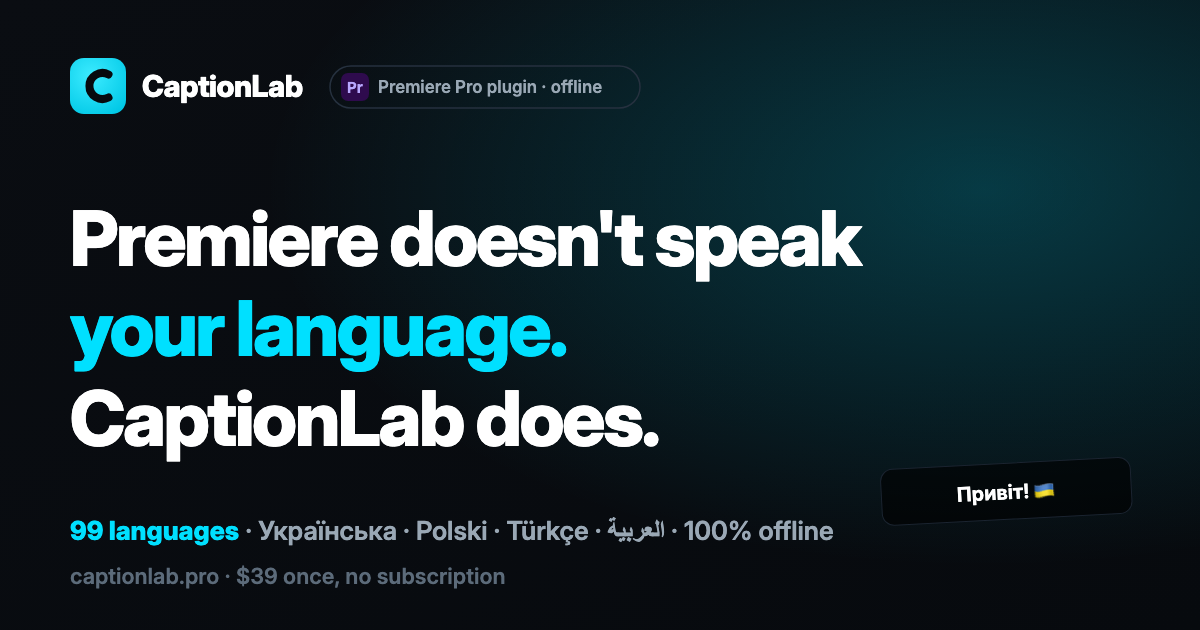
Hero Summary
CaptionLab is an innovative AI tool that automatically generates subtitles within Premiere Pro, allowing for an efficient editing process without the need for subscriptions. This offline solution is perfect for video editors seeking to simplify their workflow with smooth integration.
Quick Verdict
CaptionLab is worth trying for professional video editors and content creators who frequently use Premiere Pro. Its offline capabilities and no-subscription model make it an appealing option for those looking for a straightforward subtitle solution.
Best For / Not Recommended For
Best For
- Professional video editors who use Premiere Pro.
- Content creators looking for an offline subtitle tool.
- Users seeking a cost-effective solution with no subscription fees.
Not Recommended For
- Users not using Premiere Pro for video editing.
- Those who need a tool compatible with multiple video editing platforms.
Key Specifications
| API | No API available |
| Integrations | Smooth integration with Adobe Premiere Pro |
| Deployment | Offline |
| Free Tier | Available |
| Platform Compatibility | Windows, Mac (Premiere Pro required) |
Pricing Snapshot
CaptionLab offers a free tier that allows users to explore its features without commitment. The Pro version, available at no monthly cost, unlocks all functionalities without any subscription requirements, making it accessible for all users.
Pros & Cons
Pros
- No subscription required, making it cost-effective.
- Works offline, providing flexibility for users.
- Smooth integration with Premiere Pro, enhancing the editing experience.
Cons
- Limited functionality to video editing software only.
- Requires Premiere Pro to operate, excluding other editing platforms.
- May not cater to users looking for cloud-based solutions.
Community Sentiment
The launch of CaptionLab on Product Hunt garnered a positive reaction, with 7 upvotes highlighting its practical features. Users appreciate its simplicity and effectiveness, although some expressed a desire for broader compatibility with other software.
Benchmark References
Limited public benchmarks are available for CaptionLab; however, user testimonials indicate a strong performance in subtitle generation and ease of use within Premiere Pro.
Comparison Table
| Tool | Best At | Price | Free Tier |
| CaptionLab | Offline subtitle generation | Free | Yes |
| Descript | Audio & video editing | $12/month | Yes |
| Rev | Professional transcription | $1.25/minute | No |
Use-Case Recommendations
Use This If..
- You need to create subtitles for videos edited in Premiere Pro.
- You prefer an offline tool for subtitle generation.
- You want to avoid the hassle of monthly subscriptions.
Use Something Else If..
- You work with multiple video editing platforms and need broader compatibility.
- You require a cloud-based solution for easier access and collaboration.
Reliability & Durability Insight
CaptionLab is a reliable tool with a focus on offline usability. The backing from a dedicated development team ensures ongoing updates and support, enhancing the product's longevity and performance in the video editing space.
Common Complaints
- Some users find the tool too limited due to its dependency on Premiere Pro.
- There are requests for additional features and broader software compatibility.
- Occasional bugs reported during the subtitle generation process.
Price-to-Value Analysis
With no subscription fees and a free tier available, CaptionLab offers great value for video editors. Users who primarily edit with Premiere Pro will find that the return on investment is high, especially compared to subscription-based alternatives.
Alternatives
- Descript: Use for a more thorough audio and video editing solution.
- Rev: Ideal for professional transcription services.
- Kapwing: A good alternative for online video editing with collaborative features.
Frequently Asked Questions
Is CaptionLab really free?
Yes, CaptionLab offers a free tier for users to explore its features without any costs.
Can I use CaptionLab without Premiere Pro?
No, CaptionLab requires Premiere Pro for its functionality and cannot be used independently.
Does CaptionLab work on both Mac and Windows?
Yes, CaptionLab is compatible with both Mac and Windows operating systems, as long as Premiere Pro is installed.
Are there any subscription fees for CaptionLab?
No, CaptionLab does not have any subscription fees, making it a cost-effective option.
Source Transparency
This review is based on Product Hunt data (7 upvotes), public documentation, and category analysis. CaptionLab did not sponsor this review.
Confidence Level
Confidence: High, The information is based on user feedback and product specifications, indicating reliability in its performance and features.
Wait or Buy?
Buy now if you are a Premiere Pro user looking for an offline subtitle solution without subscriptions. Alternatively, try the free tier to assess its compatibility with your editing style.
Last Verified
Information verified: May 2025. For current details, please check captionlab.pro.
Editorial Integrity
This is an independent editorial review. CaptionLab had no editorial approval over this content.