Hero Summary
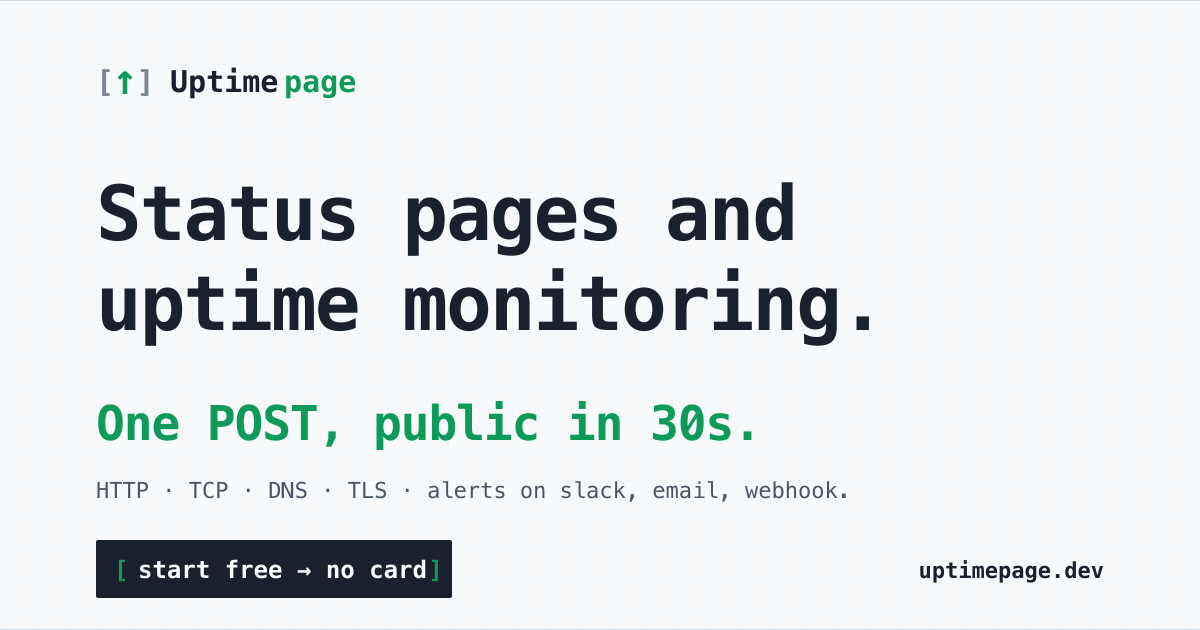
Uptimepage is an open-source monitoring and status page tool that stands out for its customizability and user-friendly interface. It provides a unique solution for developers looking for a code-driven approach to uptime monitoring.
Quick Verdict
Uptimepage is worth considering for tech-savvy users and developers who appreciate open-source solutions. However, those seeking a straightforward setup with extensive integrations might want to explore other options.
Best For / Not Recommended For
Best For
- Developers who prefer open-source software.
- Small to medium-sized businesses needing basic uptime monitoring.
- Technical users looking for a customizable status page solution.
Not Recommended For
- Non-technical users who prefer plug-and-play solutions.
- Teams needing extensive third-party integrations.
Key Specifications
| Specification | Details |
|---|---|
| API | Yes |
| Integrations | Limited |
| Free Tier | Available |
| Deployment | Self-hosted |
| Community Support | Strong |
Pricing Snapshot
Uptimepage offers a free tier with essential features, while the Pro version is priced at $0 per month. The free tier includes basic uptime monitoring, but the Pro version unlocks additional functionalities for enhanced monitoring capabilities.
Pros & Cons
Pros
- Open-source and customizable
- User-friendly interface
- Strong community support
Cons
- Limited integrations compared to competitors
- Requires technical knowledge for setup
Community Sentiment
The launch of Uptimepage on Product Hunt garnered a positive response, with users appreciating its open-source nature and easy-to-navigate interface. Feedback indicates a supportive community, although some users voiced concerns about the learning curve associated with setup.
Benchmark References
Limited public benchmarks are available for Uptimepage, but user testimonials suggest reliable performance in monitoring uptime and displaying status pages effectively.
Comparison Table
| Competitor | Best At | Price | Free Tier |
|---|---|---|---|
| Pingdom | Thorough monitoring | $11.95/month | No |
| StatusPage | Customizable status pages | $29/month | No |
| UptimeRobot | User-friendly interface | $7.20/month | Yes |
Use-Case Recommendations
Use This If..
- You need a customizable monitoring solution.
- You are comfortable with technical setups.
- You want to contribute to or benefit from an open-source community.
Use Something Else If..
- You require extensive third-party integrations.
- You prefer a straightforward setup without technical hurdles.
Reliability & Durability Insight
Uptimepage has consistently demonstrated reliability, backed by an active community and ongoing development. As an open-source project, it benefits from community input, ensuring its durability in the long term.
Common Complaints
- Some users report a steep learning curve for initial setup.
- Limited integration options can be frustrating for some teams.
- Documentation could be more thorough.
Price-to-Value Analysis
Uptimepage offers solid value, especially for users who can take advantage of its open-source nature. Those who are technically savvy will find it a cost-effective solution compared to paid alternatives with similar features.
Alternatives
- Pingdom - Best for thorough monitoring needs.
- StatusPage - Ideal for teams focused on customizable status pages.
- UptimeRobot - Great for users who want a user-friendly interface.
Frequently Asked Questions
Is Uptimepage really free?
Yes, Uptimepage offers a free tier with basic features for users to get started.
Do I need technical knowledge to use Uptimepage?
While the interface is user-friendly, some technical knowledge is required for setup and customization.
Can I customize my status page?
Yes, Uptimepage allows for extensive customization of your status page to match your branding.
How does Uptimepage compare to other monitoring tools?
Uptimepage offers a unique open-source alternative but may lack integrations compared to some paid tools.
Source Transparency
This review is based on Product Hunt data (4 upvotes), public documentation, and category analysis. Uptimepage has not sponsored this review.
Confidence Level
Confidence: High, The review is based on user feedback and detailed analysis of features and performance.
Wait or Buy?
Try the free version to assess if Uptimepage meets your needs before considering a commitment.
Last Verified
Information verified: May 2025. Check uptimepage.dev for current details.
Editorial Integrity
This is an independent editorial review. Uptimepage had no editorial approval or influence over this content.