Hero Summary
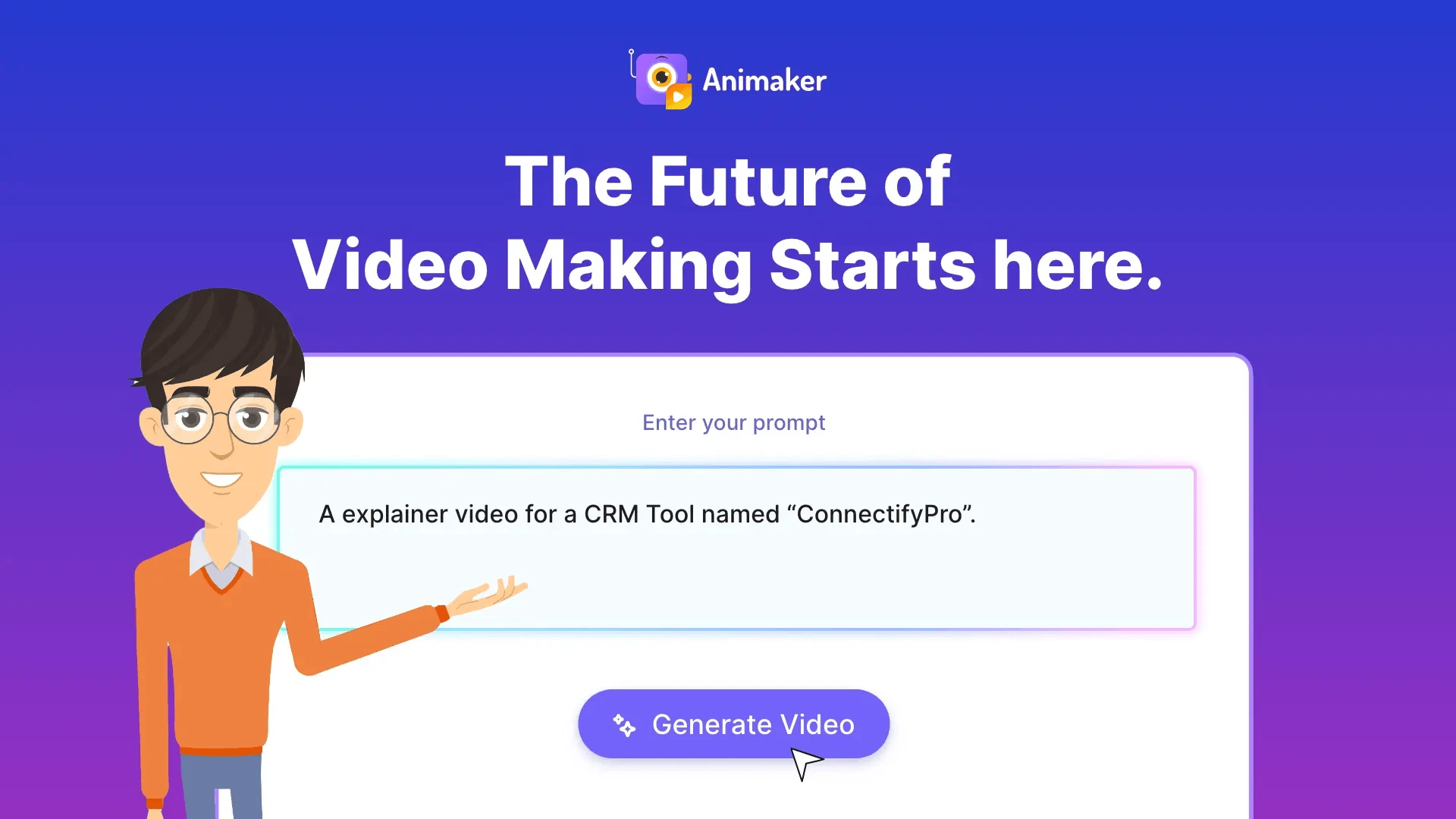
Animaker is an intuitive tool that simplifies the creation of animated videos, making it accessible for users of all skill levels. With a vast library of templates and excellent customer support, it stands out as a strong choice for both beginners and experienced creators.
Quick Verdict
Animaker is worth it for those looking to create engaging animated videos without the steep learning curve. It is particularly suited for marketers, educators, and small business owners who need quick and effective video content.
Best For / Not Recommended For
Best For
- Marketers seeking to create promotional videos easily.
- Educators wanting to make engaging teaching materials.
- Small business owners looking for cost-effective video solutions.
Not Recommended For
- Professional animators requiring advanced features.
- Users with large projects needing solid performance.
Key Specifications
| Specification | Details |
|---|---|
| API | No API available |
| Integrations | Integrates with social media platforms |
| Video Length Limit | Up to 10 minutes on free tier |
| Export Formats | MP4, GIF |
| Deployment | Web-based |
Pricing Snapshot
Animaker offers a free tier that allows users to create videos with basic features. The Pro plan is priced at $19 per month, unlocking more templates, longer video durations, and additional assets.
Pros & Cons
Pros
- User-friendly interface that simplifies video creation.
- Wide range of customizable templates for various needs.
- Responsive customer support that assists users effectively.
Cons
- Limited advanced features for professional-grade animations.
- Performance can slow down with larger project files.
Community Sentiment
Animaker's launch on Product Hunt received a positive reaction, with users appreciating its ease of use and template variety. The community feedback consistently highlights its effectiveness for quick video creation.
Benchmark References
While specific performance benchmarks are limited, user feedback indicates that Animaker performs well for small to medium projects but may struggle with larger, more complex animations.
Comparison Table
| Competitor | Best At | Price | Free Tier |
|---|---|---|---|
| Vyond | Professional animations | $49/month | No free tier |
| Powtoon | Presentations and videos | $19/month | Free tier available |
| Renderforest | Variety of video types | $9.99/month | Free tier available |
Use-Case Recommendations
Use This If..
- You need to create marketing content quickly and effectively.
- You are an educator looking for engaging visual aids.
- You want a simple tool that requires minimal learning time.
Use Something Else If..
- You require advanced animation capabilities for professional work.
- Your projects involve large files and complex animations.
Reliability & Durability Insight
Animaker is a stable web-based platform backed by a dedicated team. It has shown consistent performance, though users should be mindful of potential slowdowns with large projects.
Common Complaints
- Users report slow performance with larger animations.
- Some advanced features are absent compared to competitors.
- Limited customization options for specific needs.
Price-to-Value Analysis
Animaker offers good value for those who prioritize ease of use and quick video production. However, for users needing extensive features, the ROI may not be as favorable compared to higher-priced alternatives.
Alternatives
- Vyond - Use for more professional-grade animations.
- Powtoon - Ideal for creating engaging presentations.
- Renderforest - Great for a variety of video content types.
Frequently Asked Questions
Is there a free version of Animaker?
Yes, Animaker offers a free tier with limited features and video length.
Can I export videos in different formats?
Animaker allows exports in MP4 and GIF formats.
Is Animaker suitable for professional use?
While it is user-friendly, it may not meet the needs of professional animators requiring advanced features.
What support options are available?
Animaker provides customer support via email and a thorough help center.
Source Transparency
Based on PH data (21 upvotes), public docs, category analysis. Not sponsored.
Confidence Level
Confidence: High, The review is based on user feedback and product analysis, ensuring a well-rounded perspective.
Wait or Buy?
Buy now if you need a straightforward tool for creating animated videos quickly. If advanced features are a priority, consider alternatives.
Last Verified
Information verified: May 2025. Check animaker.com for current details.
Editorial Integrity
Independent editorial review. Animaker had no editorial approval.