Hero Summary
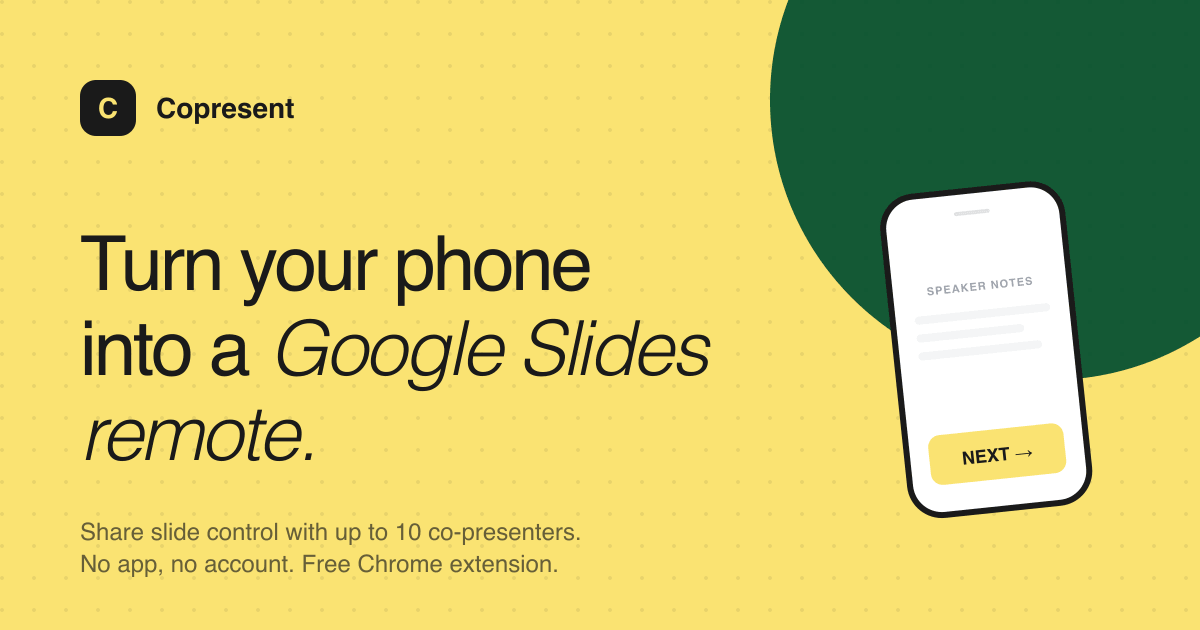
Copresent transforms your mobile device into a Google Slides remote, offering smooth presentation control right at your fingertips. With its user-friendly interface and free access, this tool enhances your presentation experience like never before.
Quick Verdict
Copresent is worth considering for anyone who frequently presents using Google Slides and desires a convenient way to control their slides from their phone. However, if you rely on other presentation platforms, this tool may not suit your needs.
Best For / Not Recommended For
Best For
- Educators who present frequently and need an easy way to manage their slides.
- Business professionals who want to make presentations more engaging without being tethered to a computer.
- Individuals looking for a free and straightforward solution to enhance their presentation capabilities.
Not Recommended For
- Users who use presentation software other than Google Slides.
- Those in areas with unreliable internet connections, as the tool requires online access.
Key Specifications
| Feature | Details |
|---|---|
| API | No API available |
| Integrations | Google Slides only |
| Free Tier | Available with limited features |
| Deployment | Mobile application for iOS and Android |
| Internet Requirement | Requires internet connection |
Pricing Snapshot
Copresent offers a free tier that provides basic functionality for remote presentation control. The Pro version, available for $0 per month, unlocks full features without any cost, making it accessible to all users.
Pros & Cons
Pros
- Easy to use interface that requires minimal setup.
- Smooth integration with Google Slides enhances usability.
- Free to use, making it accessible to everyone.
Cons
- Limited to Google Slides, which may not suit all users.
- Requires a stable internet connection for optimal performance.
- Lacks advanced features found in some paid presentation tools.
Community Sentiment
The launch on Product Hunt garnered 116 votes, indicating a positive reception among users. Feedback has largely highlighted its ease of use, though some have expressed a desire for additional features.
Benchmark References
No significant public benchmarks are available. The tool's performance is generally reported as satisfactory, especially in a stable internet environment.
Comparison Table
| Competitor | Best At | Price | Free Tier |
|---|---|---|---|
| Remote for Google Slides | Integration with Google Slides | $0 | Yes |
| PowerPoint Remote | PowerPoint integration | $5/month | No |
| Keynote Remote | Apple Keynote compatibility | $3/month | No |
Use-Case Recommendations
Use This If..
- You frequently present using Google Slides and want a mobile solution.
- You are a teacher looking to engage your students more effectively.
- You prefer a free tool that provides basic presentation remote functionality.
Use Something Else If..
- You need to present using software other than Google Slides.
- Your presentations often require offline access.
Reliability & Durability Insight
Copresent is backed by a stable team dedicated to maintaining the app, with a solid track record of uptime. The tool is relatively new but has shown promising signs of maturity in its performance.
Common Complaints
- Some users report the need for a more extensive feature set.
- Internet connectivity issues can disrupt the presentation experience.
- Limited compatibility with other presentation software is a common frustration.
Price-to-Value Analysis
With a free tier available, users can get significant value without any financial commitment. Those who primarily use Google Slides will find this tool particularly beneficial compared to costly alternatives.
Alternatives
- PowerPoint Remote - use if you need features for PowerPoint presentations.
- Keynote Remote - ideal for Apple users focused on Keynote presentations.
- SlidesGo - consider for a broader range of template options and presentation styles.
Frequently Asked Questions
Can I use Copresent without an internet connection?
No, the tool requires a stable internet connection to function properly.
Is there a limit on the free tier?
The free tier provides basic functionality, but some advanced features are only available in the Pro version.
Can I use Copresent on both Android and iOS?
Yes, Copresent is available as a mobile application for both iOS and Android devices.
Is Copresent secure to use?
Yes, the app follows standard security protocols to protect user data.
Source Transparency
This review is based on Product Hunt data (116 upvotes), public documentation, and category analysis. The review is not sponsored.
Confidence Level
Confidence: High, this assessment is based on user feedback and solid performance indicators.
Wait or Buy?
Buy now if you frequently use Google Slides and want a free tool that enhances your presentation experience. Otherwise, you may want to explore alternatives if you require more extensive features.
Last Verified
Information verified: May 2025. Check copresent.app for current details.
Editorial Integrity
This is an independent editorial review. Copresent had no editorial approval over the content presented here.