Whop vs Stripe
If you've got engineers and a custom product in mind, Stripe is hard to beat. If you just want to start charging people this week, Whop gets you there with a lot less work. Here's where each one actually wins, and what it costs.
A common situation: a founder has a Stripe account half set up and starts wondering whether they're overcomplicating things.
Short version: Stripe gives you parts. Good parts, the best in the business, but you (or someone you pay) still has to put them together. Whop hands you a working checkout, recurring billing and payouts in one box. You give up some flexibility. You get your weekends back.

All fees below are list prices from Whop's pricing page and Stripe's, as of November 28, 2026. They change, so check before you commit.
| Fee | Whop | Stripe |
|---|---|---|
| Domestic card | 2.7% + $0.30 | 2.9% + 30c |
| International card | +1.5% | +1.5% |
| Currency conversion | +1% | +1% |
| US bank debit (ACH) | 1.5%, max $5 | 0.8%, max $5 |
| Subscription billing | 0.5% (add-on) | 0.7% (Billing, pay as you go) |
| Dispute fee | $15 | $15 |
| Monthly fee | None | None |
Whop
Checkout, subscription billing and payouts for online businesses, without building on a payments API.
Stripe
The API that proved developers will choose technical taste over established vendors, and dragged the entire payments industry into the modern era.
Where each wins, in numbers.
Whop
Payments- Domestic card rate of 2.7% + $0.30 is lower than Stripe's 2.9% + 30c list price
- No setup fee and no monthly fee on the standard plan
- Checkout, subscription billing and payouts come as one product instead of separate builds
- Checkout can be embedded on your own site or app
- 100+ payment methods, including bank debits, BNPL partners and crypto
- Add-ons stack up: Billing 0.5%, tax and remittance 2% when collected
- Payout fees are higher than Stripe's for some rails (instant bank deposit is 4% + $2.50)
- Smaller integration ecosystem and less public developer material than Stripe
- International local-bank payout pricing is listed as 'varies', so budget it with sales
Stripe
Payments infrastructure for developers- API documentation is the literal benchmark — competitors copy it badly
- Test mode + Stripe CLI make local payments development genuinely pleasant
- Built-in product surface — Checkout, Customer Portal, Pricing Tables — saves weeks of work
- Connect handles multi-party payments (marketplaces) at a depth no competitor matches
- Tax + Identity + Issuing turned Stripe from payments into financial primitives platform
- 2.9% + 30¢ stings as you scale — comparable cost on Adyen drops to 1.8% past volume
- Tax module pricing (0.5%) adds meaningful cost — third-party alternatives can be cheaper
- Account holds on chargebacks can freeze cash flow without much notice
- Subscription billing is good but Chargebee / Stripe Billing have feature gaps for enterprise
- Support response on standard accounts is slow — premium support is real money
Where the scores come from, explained.
Setup + time to first payment
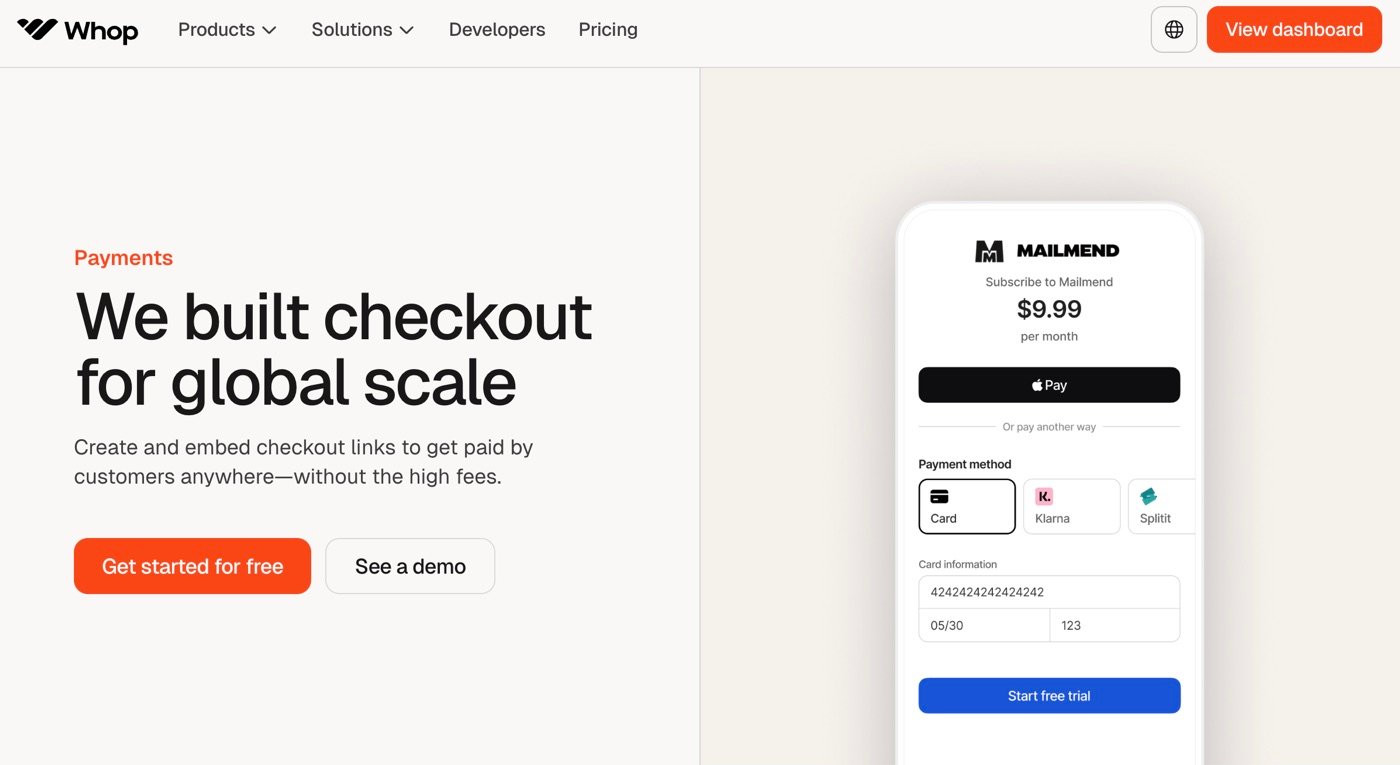
→ WhopThis is the main reason people pick Whop. You can put a Whop checkout link on your site and be taking money the same afternoon, no code needed. Embedding the full checkout inside your own page takes a script tag, plus a webhook if you want orders fulfilled reliably. Stripe does have Payment Links and a hosted Checkout page, and they're fine for a quick start. The trouble comes later, when you want subscriptions, a customer portal and payouts to talk to each other. That's usually the point where you end up hiring a developer.
Pricing value
→ WhopWhop charges 2.7% + $0.30 on a domestic card. Stripe charges 2.9% + 30c. International cards cost an extra 1.5% on both, conversion another 1%, and a dispute runs $15 either way. Billing is where it gets interesting: Whop's add-on is 0.5%, Stripe Billing is 0.7% on pay as you go. So on a $50 monthly plan you'd pay roughly $1.90 per charge with Whop and $2.10 with Stripe. Twenty cents doesn't sound like much until you multiply it by a few thousand subscribers.
Subscription billing
→ TieHonestly, for a normal monthly or yearly plan with a free trial, you won't notice much difference. Both retry failed cards and handle upgrades. Stripe pulls ahead once pricing gets weird: metered usage, seat-based invoices, revenue recognition. If that's you, Stripe. If your pricing page has three boxes on it, Whop will do the job with less fuss.
Payouts + marketplaces
→ StripeRunning a marketplace? Look hard at this part. Whop prices each payout: $2.50 for next-day ACH, $23 for a wire, and 4% + $2.50 if your sellers want their money instantly. That 4% stings. Stripe Connect charges 1% for instant payouts on Connect platforms and gives you more control over fees, though Whop also lets a platform cover its sellers' payout fees. It takes more effort to build, no question, but at volume it's cheaper.
Payment methods + reach
→ TieBoth advertise 100+ payment methods and card acceptance in 195 countries, so reach is basically a wash. Whop throws in BNPL partners. Both can show shoppers prices in their own currency, which can help conversion abroad. We wouldn't choose between them on this alone.
Customization + developer control
→ StripeStripe was built for developers and it shows. Test mode, the CLI, an API for nearly everything. If your product needs a payment flow nobody has built yet, this is where you build it. Whop has an API with a sandbox and test cards for testing payments, plus a CLI that can create products, pricing and checkout links from the terminal. There just isn't as much you can bend.
Integrations + ecosystem
→ StripeAlmost every accounting, analytics and ecommerce tool plugs into Stripe, and most developers you'd hire have used it. That matters more than people think when something breaks at 2 a.m. Whop's ecosystem is smaller.
Add-on costs
→ TieWatch out for this one. The headline rate is never the whole bill. On Whop, tax adds 2% when Whop collects and files it for you (0.5% if it only collects and you file), Billing adds 0.5%, and fraud checks are charged per transaction. Stripe has its own list: 0.7% for Billing, separate pricing for Tax, plus fraud and dispute tools. Add up only the extras you'll really switch on. That's your actual rate.
You probably want Stripe. But here's when Whop is the right call.
You want to sell, not build a billing system. Whop gets you live fast and the card rate is a bit lower.
Add a checkout link, take cards, bank debits and BNPL, pay no monthly fee. No developer needed for the basics.
Your team will want the API, test mode and CLI. They probably know Stripe already.
Connect's fee control and cheaper instant payouts add up fast when you pay sellers every day.
Three plans and a trial? Whop's 0.5% billing fee beats Stripe's 0.7%, and setup takes far less time.
Whop vs Stripe — what we'd actually pick.
We'd put it like this. If payments are part of what you're building, and you have people who can write code, go with Stripe. Nothing else gives you that much control, and Connect is still the best tool around for marketplaces.
If payments are just how you get paid, try Whop. It's cheaper on cards and subscriptions, and you'll be live in a day instead of a sprint. Just keep an eye on payout fees and the add-ons, because that's where the savings can disappear.
Questions buyers actually ask.
Is Whop cheaper than Stripe?
Do I need a developer to use Whop or Stripe?
Which is better for subscriptions?
Which is better for a marketplace that pays sellers?
Can I move from Stripe to Whop, or the other way?
Head-to-head comparisons worth a look
GitHub vs GitLab compared on 8 dimensions: DX, ecosystem, AI coding, pricing, self-hosted. Honest 2026 verdict + use-case picks.
Sentry vs Datadog: code-side error tracking vs full-stack observability. Pricing, features, when to use one or both. Honest 2026 verdict.
Notion vs Obsidian compared on collab, ownership, plugins, mobile, price. Honest 2026 verdict + use-case picks.
Notion vs Airtable compared on flexibility, database features, collaboration, integrations, and pricing. Discover the best choice for your team's workflow in 2026.
Vercel vs Netlify analyzed on performance, ease of use, pricing, and deployment. Discover the 2026 verdict and which platform suits your needs…
GitHub vs Bitbucket compared on community support, integration, pricing, features. Get the 2026 verdict on which platform suits your team's needs best.