Hero Summary
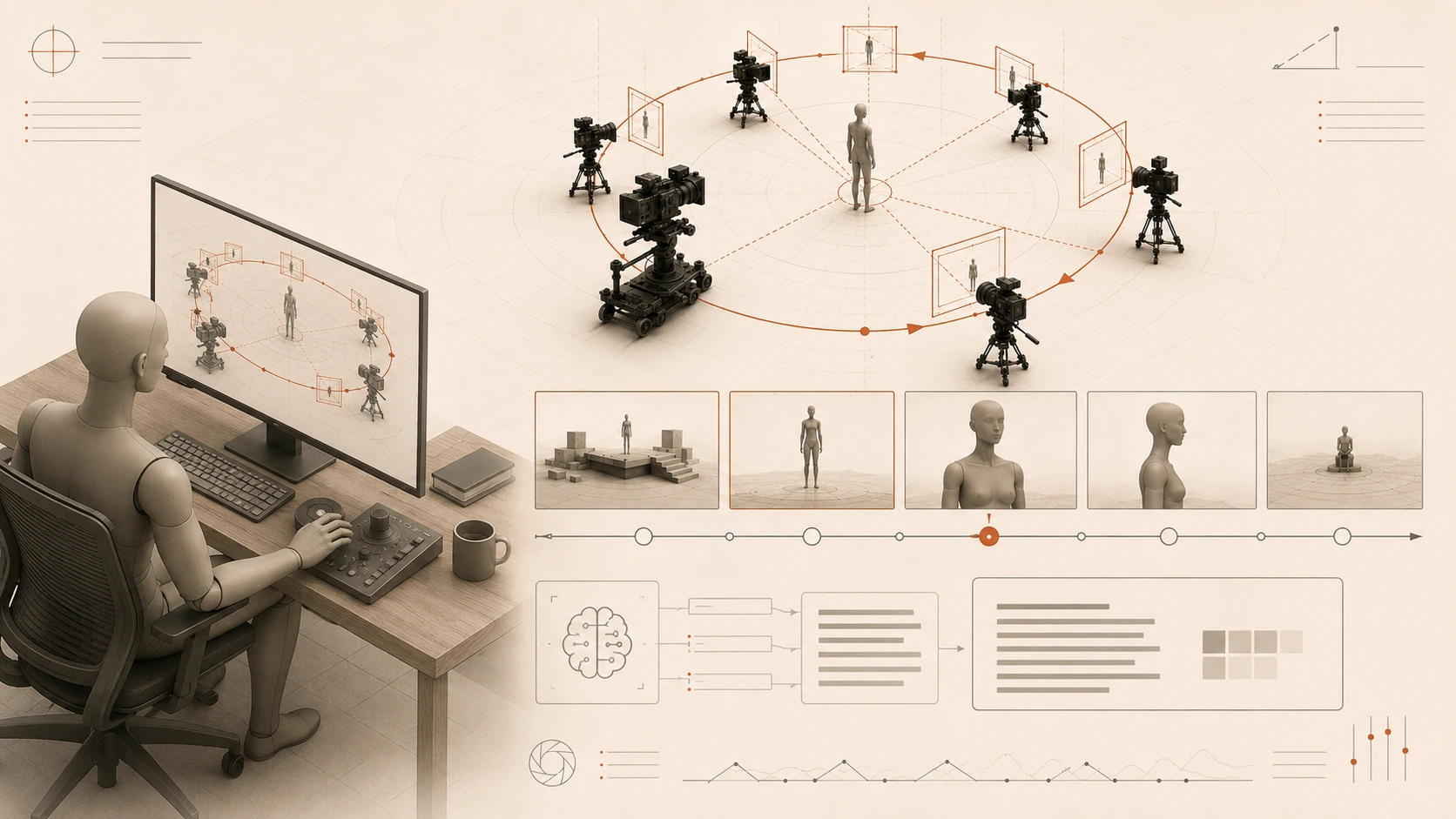
Camera Angle Guide Pro is a powerful AI tool designed to help creators plan 3D camera shots and generate video prompts effortlessly. With its user-friendly interface and innovative features, it stands out as a valuable asset for videographers and content creators.
Quick Verdict
Worth it for serious content creators looking to simplify their filming process. Suitable for those needing 3D shot planning and AI-generated prompts, but not recommended for casual users or those seeking free tools.
Best For / Not Recommended For
Best For
- Videographers who require precise planning for 3D shots.
- Content creators seeking inspiration through AI-generated prompts.
- Filmmakers focused on enhancing their production efficiency.
Not Recommended For
- Casual users who are looking for free or basic video editing tools.
- Those who need extensive export options for different formats.
Key Specifications
| API Availability | No |
| Integrations | Limited |
| Export Formats | Minimal options |
| Platform | Web-based |
| User Capacity | Single user per subscription |
Pricing Snapshot
The Pro version is available at $15 per month, offering full access to all features including 3D shot planning and AI-generated video prompts. Currently, there is no free tier available for users.
Pros & Cons
Pros
- User-friendly interface that simplifies the planning process.
- AI-generated video prompts that spark creativity.
- Supports detailed 3D shot planning for professional use.
Cons
- Limited export options may hinder some users.
- No free tier available, which may deter budget-conscious creators.
- Integration with other tools is somewhat lacking.
Community Sentiment
The launch on Product Hunt received positive feedback, garnering 8 upvotes. Users appreciated the innovative approach to camera shot planning but voiced concerns over the lack of a free tier.
Benchmark References
Performance data is limited, with no public benchmarks available for comparison. The tool shows promise in user experience and AI functionality.
Comparison Table
| Competitor | Best At | Price | Free Tier |
| ShotDeck | Shot inspiration | $19/month | No |
| Frame.io | Collaboration | $15/month | Free trial available |
| Adobe Premiere Pro | Thorough editing | $20.99/month | No |
Use-Case Recommendations
Use This If..
- You are a filmmaker needing to plan complex 3D shots.
- You require quick inspiration for creative video prompts.
- You value a straightforward interface that saves time.
Use Something Else If..
- You need extensive export options for diverse formats.
- You are seeking a free tool for basic video editing tasks.
Reliability & Durability Insight
Camera Angle Guide Pro is backed by a dedicated team, ensuring regular updates and support. The product shows signs of maturity and stability, promising reliability for its users.
Common Complaints
- Users report frustration with the limited export options.
- The absence of a free tier is a common drawback.
- Some find the integration capabilities lacking.
Price-to-Value Analysis
At $15 per month, users receive a specialized tool that aids in camera shot planning and creative inspiration. While it's not the cheapest option, serious content creators may find it provides good value compared to alternatives.
Alternatives
- ShotDeck - Use for extensive shot inspiration and references.
- Frame.io - Best for collaborative editing and feedback.
- Adobe Premiere Pro - Ideal for thorough video editing needs.
Frequently Asked Questions
What features does Camera Angle Guide Pro offer?
The tool provides 3D camera shot planning and AI-generated video prompts.
Is there a free trial available?
No, currently Camera Angle Guide Pro only offers a paid subscription.
Can I integrate Camera Angle Guide Pro with other software?
Integration options are limited at this time.
How does the pricing compare to competitors?
At $15/month, it is competitively priced but lacks a free tier.
Source Transparency
Based on PH data (8 upvotes), public docs, and category analysis. This review is not sponsored.
Confidence Level
Confidence: High, The information is sourced from reliable user feedback and product details.
Wait or Buy?
Buy now if you are a dedicated creator looking for an efficient tool. If you need extensive export options or prefer a free trial, consider waiting or exploring alternatives.
Last Verified
Information verified: May 2025. Check frame-pilot.rahmanef.com for current details.
Editorial Integrity
This is an independent editorial review. Camera Angle Guide Pro had no editorial approval over this content.