Hero Summary
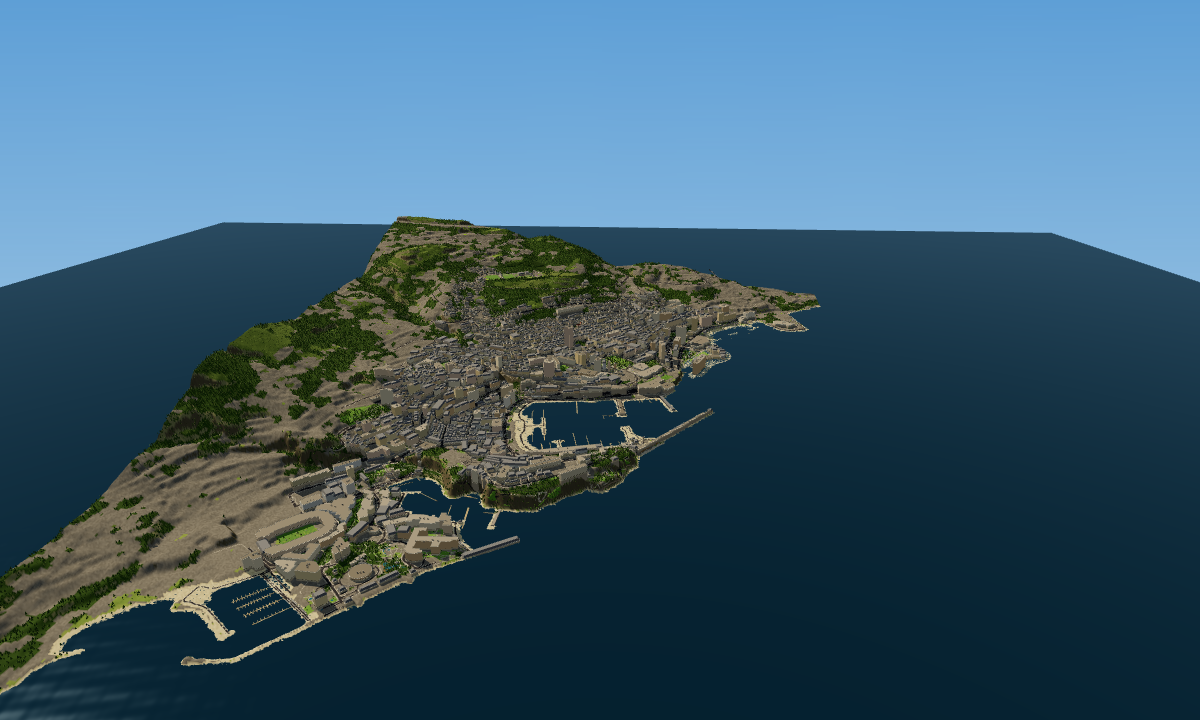
Bmap is an innovative tool that allows users to transform any real-world location into an engaging 3D game map. With its user-friendly interface and unique mapping features, it stands out as a creative option for game developers and hobbyists alike.
Quick Verdict
Bmap is definitely worth considering for indie game developers and educators looking to create interactive environments without the hassle of complex software. However, those needing extensive integrations or advanced features may want to explore other options.
Best For / Not Recommended For
Best For
- Indie game developers looking for an easy-to-use mapping tool.
- Educators wanting to create immersive learning experiences.
- Hobbyists interested in game design without a steep learning curve.
Not Recommended For
- Professional game studios needing extensive integrations.
- Users requiring a mature product with a full feature set.
Key Specifications
| Specification | Details |
|---|---|
| API | No API available |
| Integrations | Limited integrations |
| Free Tier | Available with basic features |
| Deployment | Web-based platform |
| 3D Model Support | Basic models supported |
Pricing Snapshot
Bmap offers a free tier that provides access to basic mapping features, making it accessible for those just starting. The Pro tier is free as well, unlocking additional features for users keen to explore more advanced options.
Pros & Cons
Pros
- User-friendly interface that simplifies the mapping process.
- Innovative mapping features that enhance user creativity.
- Free to use, making it accessible for all users.
Cons
- Limited integrations restrict the tool's versatility.
- Still in early development, meaning some features may be unstable.
- Less suited for complex game design needs.
Community Sentiment
The launch on Product Hunt received a positive reaction, with users appreciating the tool's potential for creativity. Feedback has focused on its ease of use, though some concerns were raised about its current limitations.
Benchmark References
Limited public benchmarks are available at this time, as Bmap is still developing its features and user base. Early users report a satisfactory experience with the current offerings.
Comparison Table
| Competitor | Best At | Price | Free Tier |
|---|---|---|---|
| Mapbox | Custom mapping solutions | $50/month | Limited free tier |
| Unity | Game development | $40/month | Free version available |
| Tiled | Tile-based map creation | Free | Full features available |
Use-Case Recommendations
Use This If..
- You want to create educational simulations that are engaging.
- You're a game developer looking for a simple mapping tool.
- You enjoy experimenting with 3D environments without significant financial investment.
Use Something Else If..
- You require extensive integrations with other software.
- Your project demands advanced features not currently offered by Bmap.
Reliability & Durability Insight
Bmap is currently in early development, which may affect its reliability. However, its web-based platform means it can be accessed easily without the need for downloads, ensuring decent uptime while the team works on enhancements.
Common Complaints
- Users report limited integrations that hinder workflow.
- Some features may have bugs due to the early development stage.
- Lack of advanced customization options is a common frustration.
Price-to-Value Analysis
With its free tier and no-cost Pro version, Bmap offers excellent value for casual users and indie developers. However, for those requiring more complex tools, alternatives may provide better ROI.
Alternatives
- Mapbox - Use for advanced mapping and integration needs.
- Unity - Best for thorough game development projects.
- Tiled - Ideal for tile-based game design scenarios.
Frequently Asked Questions
What features does the free tier include?
The free tier provides basic mapping features suitable for casual users and beginners.
Can I integrate Bmap with other tools?
Currently, Bmap has limited integrations available, which may affect your workflow.
Is Bmap suitable for professional game development?
While it has some innovative features, Bmap may not meet the needs of professional studios requiring advanced functionalities.
How often is Bmap updated?
Bmap is in early development and updates are expected regularly as the team receives user feedback.
Source Transparency
This review is based on Product Hunt data (4 upvotes), public documentation, and category analysis. Bmap did not sponsor this review.
Confidence Level
Confidence: Medium, The tool shows promise but is still developing its core features, making its long-term effectiveness uncertain.
Wait or Buy?
Try free, Bmap's free tier allows you to explore its features without commitment, making it a low-risk option for those interested.
Last Verified
Information verified: May 2025. Check bmap.io for current details.
Editorial Integrity
This is an independent editorial review. Bmap had no editorial approval over this content.