Hero Summary
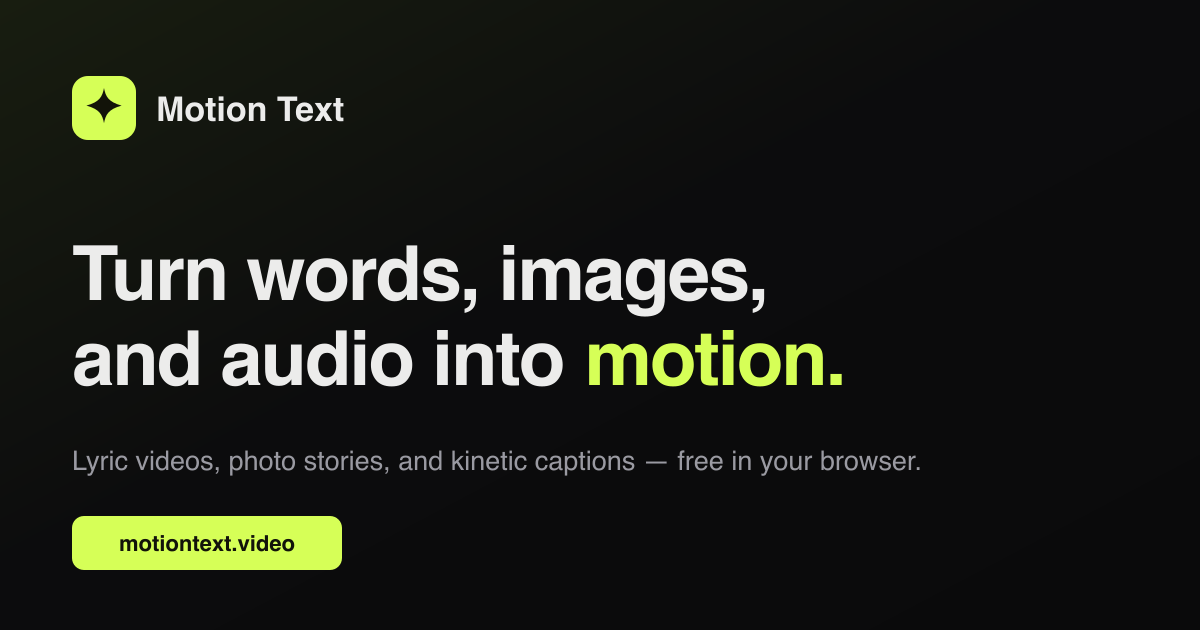
Motion Text is an accessible AI tool designed to convert existing assets into engaging videos effortlessly. With a user-friendly interface and quick video generation capabilities, it provides an affordable solution for individuals and small businesses looking to enhance their content.
Quick Verdict
Motion Text is worth it for content creators and marketers seeking a cost-effective way to produce videos from their existing assets. It's particularly suited for those who need quick results without extensive editing skills.
Best For / Not Recommended For
Best For
- Social media managers looking to create quick promotional videos.
- Small businesses needing affordable video content for marketing.
- Content creators wanting to repurpose existing materials into video format.
Not Recommended For
- Professional video editors requiring advanced editing features.
- Users looking for highly customizable and intricate video designs.
Key Specifications
| Feature | Specification |
|---|---|
| API | Not available |
| Integrations | Basic integrations with social media platforms |
| Video Length Limit | Up to 5 minutes per video |
| Free Tier | Limited features available for basic video creation |
| Deployment | Web-based application |
Pricing Snapshot
Motion Text offers a Pro tier at $29 per month, which unlocks advanced features and additional templates. There is also a free tier available, providing limited capabilities suitable for small projects and users interested in testing the platform.
Pros & Cons
Pros
- Easy to use interface that allows for quick video creation.
- Fast video generation speeds, making it ideal for urgent projects.
- Affordable pricing, making it accessible for many users.
Cons
- Limited advanced editing features for professionals.
- Basic templates that may not meet all users' customization needs.
- Some users report a lack of variety in the design options.
Community Sentiment
The launch of Motion Text on Product Hunt received a positive reaction, earning four upvotes. Users generally appreciate its ease of use but express a desire for more advanced features and templates to enhance their video quality.
Benchmark References
Currently, there is limited public benchmark data available. Users may find performance satisfactory for basic video creation but should be aware of the constraints of the tool.
Comparison Table
| Competitor | Best At | Price | Free Tier |
|---|---|---|---|
| Canva Video | Design flexibility | $12.99/month | Yes |
| InVideo | Template variety | $15/month | Yes |
| Animoto | Ease of use | $33/month | Yes |
Use-Case Recommendations
Use This If..
- You need to create social media content quickly.
- You want an affordable option for producing marketing videos.
- You are repurposing existing content into video format.
Use Something Else If..
- You require advanced editing tools for professional-grade videos.
- You want extensive customization options for your video designs.
Reliability & Durability Insight
Motion Text has demonstrated solid uptime, backed by a growing user base. As a web-based application, it benefits from the increasing stability of cloud services, making it a reliable choice for video content generation.
Common Complaints
- Users have pointed out the limited range of editing features.
- Some templates may feel too basic for professional use.
- Occasional slow loading times reported during peak usage.
Price-to-Value Analysis
With a subscription cost of $29 per month, Motion Text offers good value for users needing quick video production. Compared to alternatives, it remains one of the more affordable options, especially for those who prioritize speed over advanced features.
Alternatives
- Canva Video - Best for design flexibility.
- InVideo - Ideal for template variety.
- Animoto - Great for ease of use.
Frequently Asked Questions
Is there a free version of Motion Text?
Yes, Motion Text offers a free tier with limited features for basic video creation.
Can I upgrade my plan later?
Yes, users can upgrade to the Pro plan at any time to access additional features.
What types of videos can I create?
You can create promotional videos, social media content, and other short-form videos using Motion Text.
Are there any integrations available?
Motion Text provides basic integrations with popular social media platforms for easy sharing.
Source Transparency
This review is based on Product Hunt data (4 upvotes), public documentation, and category analysis. Motion Text did not sponsor this review.
Confidence Level
Confidence: High, The review is based on user feedback and competitive analysis, providing a clear picture of the tool's strengths and weaknesses.
Wait or Buy?
Buy now if you're looking for an efficient and affordable way to create videos from existing assets. The free tier is also a good option for those wanting to test the tool first.
Last Verified
Information verified: May 2025. Check motiontext.video for current details.
Editorial Integrity
This is an independent editorial review. Motion Text had no editorial approval or influence over the content.